Setlist for musicians
Setlist app for musicians
Here, a setlist isn't the history of songs played by an artist: it's yours — the one you prepare and use to rehearse or perform on stage.
Your setlist, ready for the stage
In Maestro Livebook, a setlist is built using the playlist system: create and name as many lists as you need, one per rehearsal or concert, and keep them ready for your next date. Your playlists are automatically saved locally on the device, so you can find them again next time you use it.
Create and name your playlists
Multiple named playlists, one per occasion. Rename or delete them anytime.
Add or remove your songs
Instant search to add a title. Removing a song doesn't remove it from your database.
Reorder your set
Drag and drop your songs to set the exact running order for your set.
Load a song directly
One click on a title in the playlist is enough to display it, without going back through search.
Manage your setlists, on video
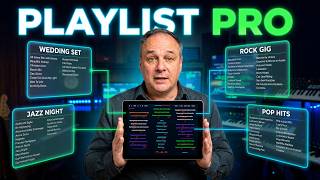
How it works
Designed for the stage
A song loaded from your playlist benefits from the same features as any song loaded in Maestro Livebook: Master/Slave sync between screens, MIDI linked to the song, and TV display that follows the current song.
Discover Master/Slave mode in the guide → — and if you're looking for a reader to display your sheet music instead, that's exactly what that page is for.
What Maestro Livebook doesn't do
An artist setlist database. You won't find the history of songs played live by a band here — only your own lists.
A real-time collaborative playlist. Several musicians cannot edit the same list at the same time from their own devices.
An administrative band management tool. No roster or scheduling management — only the organization of your songs.